
Massage for IT Professionals: Neck, Back and Stress Relief
Built for the people who spend 10 hours a day at a keyboard
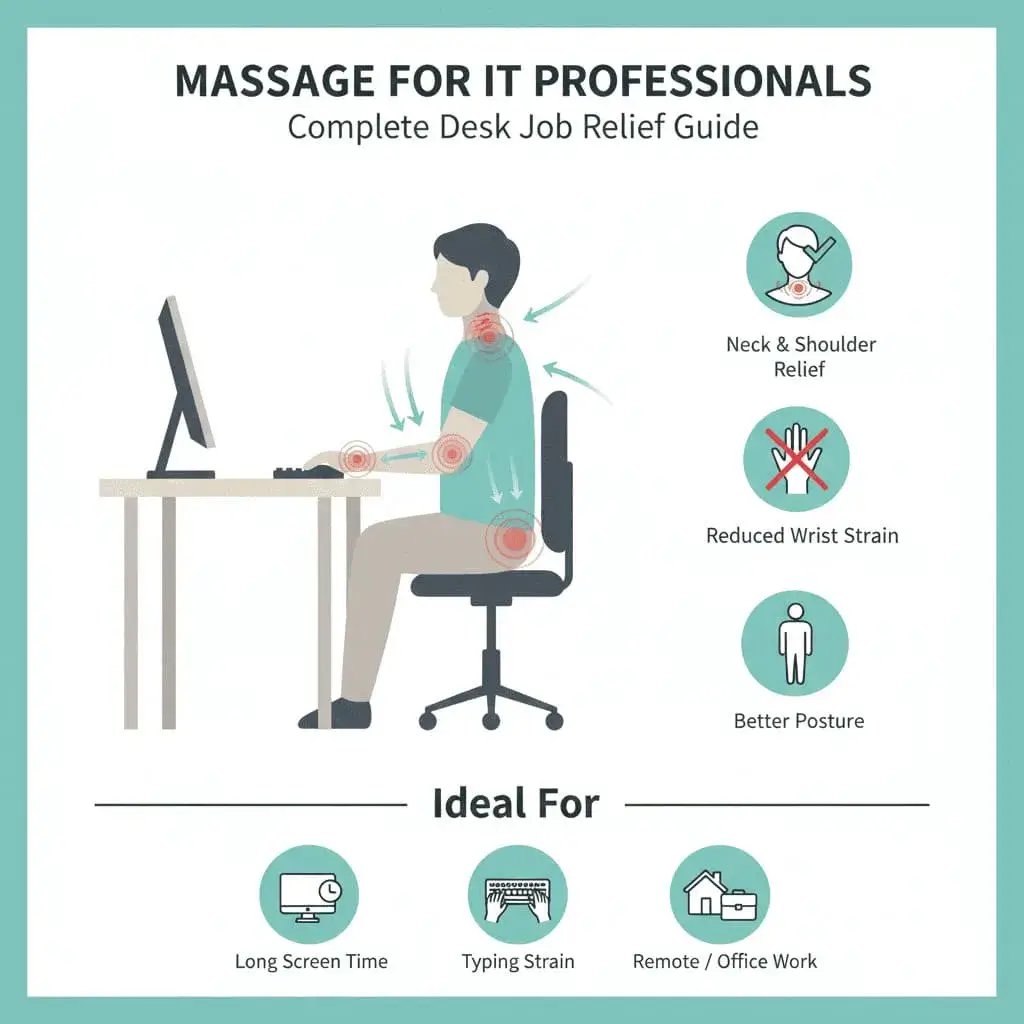
You've been debugging for six hours straight. Your neck has fused into a forward crane position. Your shoulders live somewhere near your ears. Your wrists ache from thousands of keystrokes, and there's a burning feeling between your shoulder blades that no amount of stretching seems to fix. Whether you are a programmer, a software developer, a tester, or a support engineer, this is the physical reality of IT work.
Most of India's IT workforce lives this daily - in Bengaluru's ORR and Whitefield corridors, Hyderabad's HITEC City and Gachibowli, Pune's Hinjewadi and Kharadi, and at work-from-home desks everywhere. Companies buy ergonomic chairs and standing desks, but the basic problem stays: the human body was not built to sit in one position, staring at screens, making the same small movements for 8 to 12 hours a day. Massage therapy directly works on the specific muscle and posture problems that this creates.
The IT Professional's Body: What Goes Wrong
Before exploring solutions, let's understand what hours of coding, meetings, and screen time actually do to your body. These aren't random aches; they're predictable results of holding the same posture and repeating the same movements.
The Forward Head and Rounded Shoulders Pattern
This is the signature posture problem of desk workers. Your head moves forward toward the screen, and the further forward it sits, the heavier it becomes for your neck to hold. Your shoulders round forward as you reach for the keyboard. Over time this creates a fixed pattern: tight muscles in the chest and back of the neck, and weak, overstretched muscles in the upper back.
The result? Chronic neck pain, tension headaches, shoulder trouble, and that constant ache between your shoulder blades, where overstretched muscles keep fighting against a tight chest.
Mouse Shoulder and Arm
If you use a mouse for hours, your mouse-side shoulder sits slightly raised and forward, with the arm stretched out. Holding that position overworks the muscles along the top of your shoulder while others weaken. The result is shoulder tension, pain that travels down the arm, and sometimes numbness or tingling in the hand.
Lower Back Compression
Sitting presses on your lower spine far more than standing or lying down. Add slouching (which most people do after the first hour) and you put heavy pressure on the lower back. The muscles at the front of your hips also shorten from long sitting, tilting your pelvis forward and straining the lower back even when you stand up.
Wrist and Forearm Strain
Keyboard and mouse work means thousands of small, repeated movements every day. The forearm muscles that control your fingers work constantly, while the wrist often sits bent upward on the keyboard. This combination leads to tight forearms, wrist pain, and can grow into serious problems like carpal tunnel syndrome if ignored.
Eye Strain and Tension Headaches
Eye strain from screen work doesn't stay in your eyes. The muscles around your eyes, forehead, and temples tense as you squint and focus. This tension spreads to your jaw, neck, and scalp, causing tension headaches. Many tech workers don't realize their headaches start from screen-related muscle tension.
| Area | Cause | Symptoms | Massage Focus |
|---|---|---|---|
| Neck | Forward head posture, screen viewing | Stiffness, pain, limited rotation | Base of the skull, sides of the neck, top of the shoulders |
| Upper Back | Rounded shoulders, reaching for keyboard | Burning between shoulder blades | Muscles between the shoulder blades, mid back |
| Shoulders | Mouse use, keyboard position | Tension, limited movement, pain | Shoulder muscles plus the chest muscles pulling them forward |
| Lower Back | Long sitting, poor posture | Ache, stiffness, pressure | Lower back muscles, hips, and glutes |
| Wrists/Forearms | Typing, mouse work | Pain, tightness, numbness | Muscles on both sides of the forearm, hands |
| Head/Jaw | Screen strain, stress | Headaches, jaw tension | Temples, jaw, forehead, scalp |
How Massage Addresses Tech Worker Issues
Massage works well for IT professionals because it directly targets the muscle imbalances and tension patterns that desk work creates. Here's how:
Releasing Chronically Tight Muscles
Those rock-hard upper shoulders? The cable-stiff neck? Massage physically releases these contracted tissues. Firm, slow pressure reaches layers of tension that stretching alone cannot touch. For long-standing desk tension, the release often feels dramatic: muscles that have been tight for months finally let go.
Restoring Muscle Balance
A skilled therapist doesn't just press where it hurts; they understand the pattern. Fixing the forward-head, rounded-shoulder posture means releasing the tight chest and neck while also working the weak, overstretched upper back. This balanced approach restores working posture instead of giving only temporary relief.
Improving Blood Flow to Stiff Areas
Long sitting reduces blood flow to muscles, which adds to that stiff, heavy feeling. Massage increases blood flow to the areas being worked, which is exactly what the underused muscles of a desk worker need.
Addressing Repetitive Strain
For wrist and forearm trouble from typing and mouse work, massage can help a lot, especially when caught early. Releasing the forearm muscles, improving wrist movement, and working on connected tension from the neck and shoulder can stop minor strain from growing into a serious condition.
Stress and Mental Reset
IT work is mentally intense on top of the physical strain. Deadlines, production issues, and being reachable at all hours create stress that shows up in the body. Massage switches your body into rest mode, easing stress and giving a mental reset that many clients say improves focus and reduces burnout.
Best Massage Types for IT Professionals
These are the services on our menu that fit desk-work problems best. Each has a set duration, matched to how the style works. Current prices for your city are on the live price list.
Deep Tissue Massage (90 minutes)
For chronic tension built up over months or years of desk work, deep tissue massage reaches the deeper muscle layers where the most stubborn knots live. It's the most-fitting choice for the upper back, neck, and shoulders where IT professionals hold the most tension. It runs 90 minutes on our menu because muscles must be warmed up before deep pressure works. Expect firm pressure and some discomfort during the session, with clear relief afterward.
Swedish Massage (60 minutes)
Don't overlook Swedish massage for regular maintenance. If your tension is moderate or you're new to massage, its flowing strokes improve blood flow, calm the body, and ease general muscle tension without the intensity of deep tissue work. It's also the entry point on our menu, starting at ₹1,999 in metro cities.
Thai Massage (90 minutes)
Thai massage combines pressure work with assisted stretching - exactly what tight, shortened desk-worker muscles need. The stretching part matters because it works on the flexibility you lose from long sitting. You leave feeling both relaxed and more mobile.
Sports Massage (75 minutes)
If you mix desk work with gym sessions or running, sports massage covers both: it works the muscle groups your training loads plus the ones your desk stiffens. A good pick for techies who lift after work.
| Service | Duration | Best For |
|---|---|---|
| Deep Tissue | 90 min | Chronic neck/upper back tension, stubborn knots |
| Swedish | 60 min | General tension, stress, regular maintenance |
| Thai | 90 min | Stiffness, lost flexibility, full-body tension |
| Sports | 75 min | Desk work + gym recovery combined |
Targeted Treatment: Area by Area
Neck and Base of the Skull
The small muscles at the base of your skull work constantly to hold your head up, especially when it juts forward toward a screen. Releasing them can quickly reduce neck stiffness and headaches. The therapist may use steady pressure, gentle movement, or focused stretching here.
The muscles along the front and sides of your neck also need attention. They shorten in the forward-head posture and hold painful knots that can cause headaches and facial tension. Many desk workers are surprised how much releasing these helps.
Upper Back and Shoulders
This region needs work from two sides: releasing the tight chest and front shoulder muscles while treating the overworked upper back. Only massaging the painful spot between your shoulder blades gives temporary relief but misses the root cause - a tight chest pulling your shoulders forward all day.
Lower Back and Hips
Lower back pain from sitting often starts in the shortened muscles at the front of your hips. When they tighten from long sitting, they tilt your pelvis forward and strain the lower back. Releasing the hip muscles, along with direct work on the lower back, addresses the full picture. The glutes matter too - they weaken and tighten from sitting, and releasing them takes real pressure off the lower back.
Forearms and Wrists
For typing and mouse strain, forearm massage is essential. The muscles on both sides of your forearm work non-stop during computer use. Releasing them, along with gentle work on the hand itself, can relieve wrist pain, improve grip, and help prevent repetitive strain injuries.
Scalp, Jaw and Face
Screen headaches often respond to scalp and facial work. The temples, jaw, and forehead all hold tension in screen workers. Gentle massage here, combined with scalp work, can relieve headaches and reduce the overall tension pattern.
A Massage Plan for IT Work
One massage won't undo years of desk damage. For lasting change, IT professionals do best with a planned approach:
| Phase | Frequency | Focus |
|---|---|---|
| Catch-up (chronic tension) | Weekly for the first month | Work through built-up tension, worst areas first |
| Transition | Every 2 weeks | Hold the gains, keep improving |
| Maintenance | Monthly | Stop tension from rebuilding |
| Crunch periods | Weekly during releases/sprints | Respond to the extra load |
If you land on weekly or bi-weekly sessions, paying per booking is the expensive way to do it: our subscription plans include sessions in the plan itself and cost less per session than booking one at a time.
Between Sessions: 5 Habits That Keep the Benefits
Massage works best alongside small daily habits. None of these replace it, but they slow down how fast tension rebuilds:
- ✓Fix the desk basics - monitor at eye level, keyboard and mouse close enough that your wrists stay straight, lower back supported
- ✓Move every hour - stand, walk to get water, stretch for two minutes; long stillness is the real enemy
- ✓Stretch the front, strengthen the back - open the chest in a doorway stretch, tuck the chin to wake up the neck; simple rows and planks keep the posture muscles working
- ✓Rest your eyes - every 20 minutes, look at something far away for 20 seconds; less squinting means fewer tension headaches
- ✓Watch the warning signs - numbness, tingling, or pain that wakes you at night deserve a doctor, not just a massage
Why Home Massage Fits the IT Schedule
For IT professionals, home massage solves a very specific problem: after a long day at the computer, the last thing you want is more sitting - this time in Bengaluru or Hyderabad traffic to reach a spa. With a home session:
- No drive after an already seated day - the therapist comes to you, in any part of the city
- You rest immediately after the session instead of getting dressed and heading back into traffic
- Sessions run 10 AM to 7 PM, seven days a week - book the last slot after your final standup, or a mid-day slot on a WFH day
- Same-day booking works with 3 hours notice - useful when a sprint ends early
- Complete privacy, your own shower afterward, and no waiting room
If you work from home, a session slots naturally into the day: finish your last call, and the therapist sets up in the next room in under 10 minutes. Book directly for your city: Bengaluru, Hyderabad, Pune, or Mumbai for the Powai and BKC crowd.
Frequently Asked Questions
How often should IT professionals get massage?
Can massage fix my forward head posture?
Is massage helpful for carpal tunnel symptoms?
I work from home. Does massage still help even though I'm not commuting?
What are the booking hours? Can I book after work?
What should I tell my massage therapist about my IT work?
Can massage help with the mental fatigue of coding?
My neck and shoulders are so tight that massage hurts. Is that normal?
Investing in Your Most Important Hardware
You probably spend real money on your tech setup: fast processors, good monitors, mechanical keyboards. But the most important hardware in your career is your body, and you cannot upgrade it or swap it out when it fails. Chronic pain, repetitive strain injuries, and burnout end careers.
Regular massage is an investment in staying physically able to do the work. It fixes the specific damage desk work causes and stops small problems from becoming career-sized ones.
Your body keeps you coding. Take care of it.
Related Articles
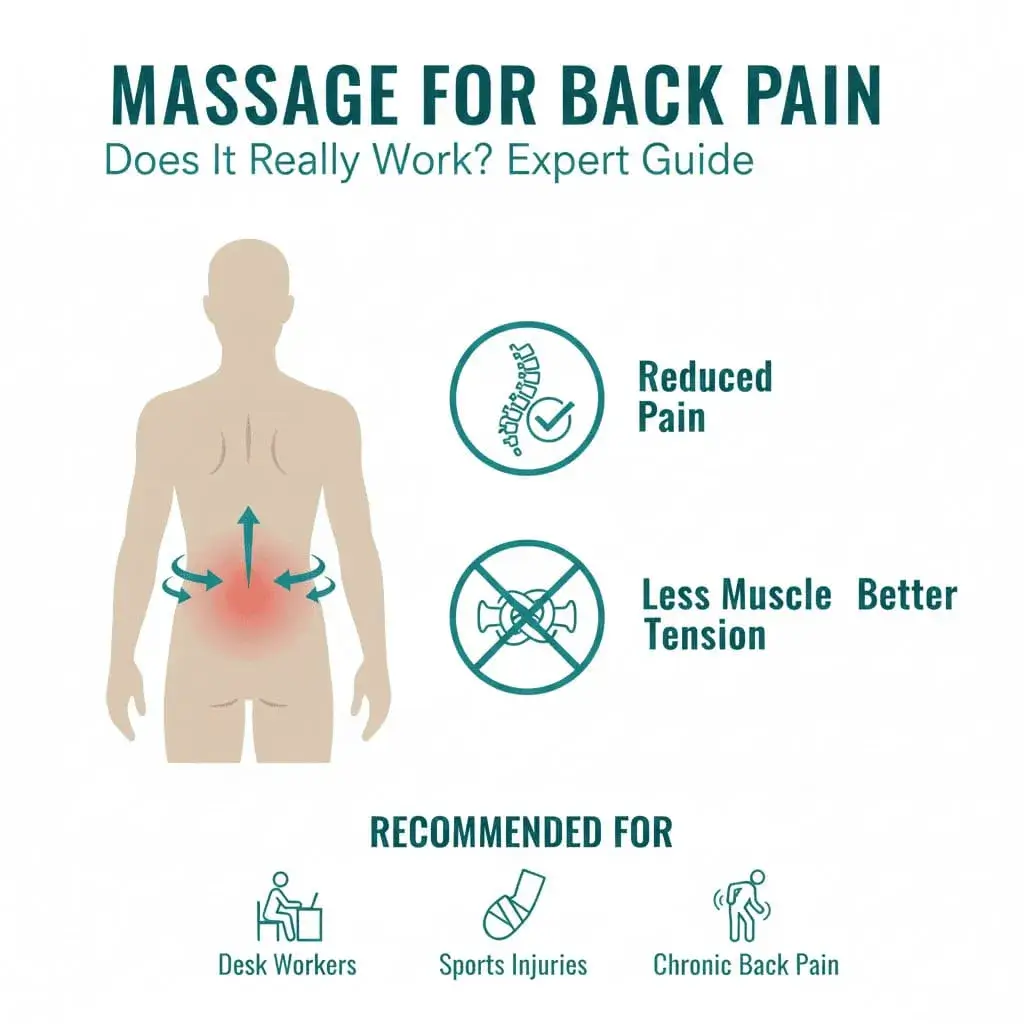
Back Pain Massage at Home: What Works, What to Expect
Yes, massage helps most muscle-related back pain - research agrees. See which massage works, what a home session looks like, and when to see a doctor.
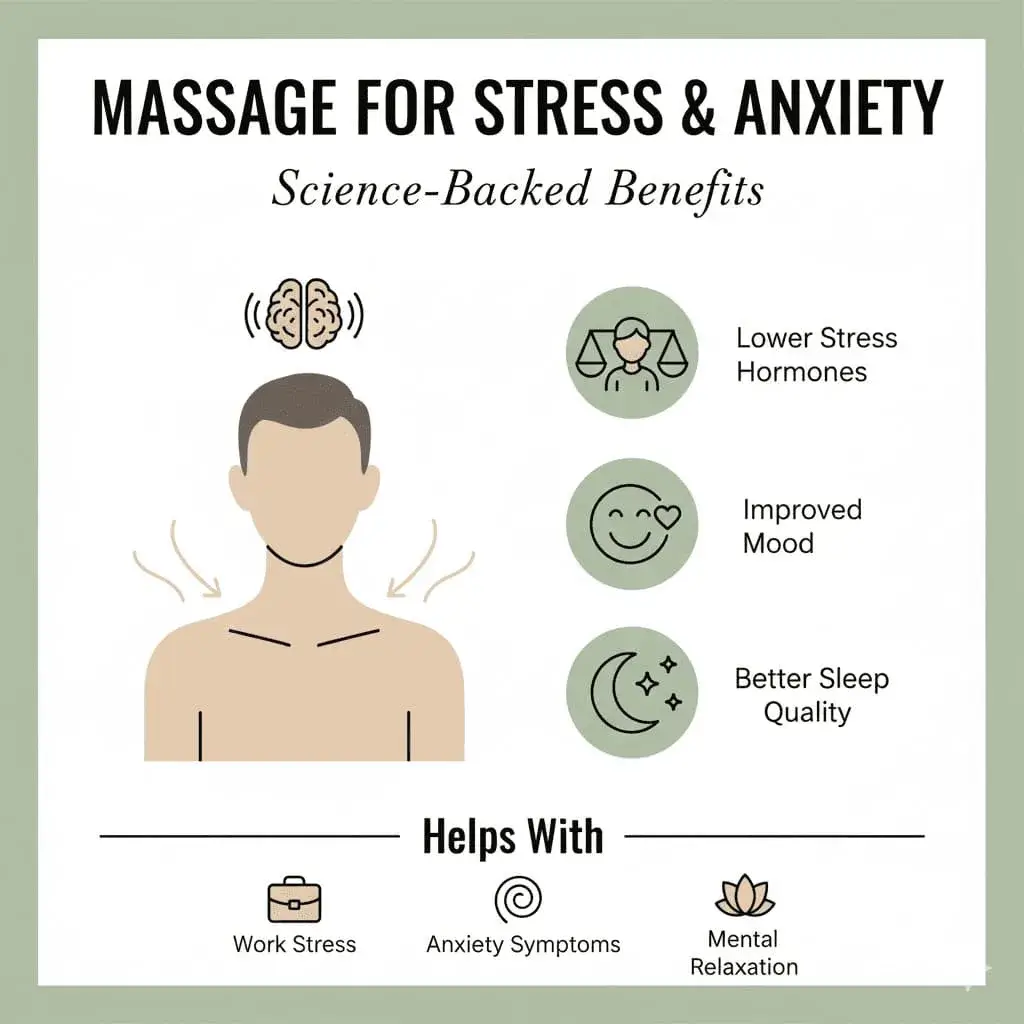
Massage for Stress & Anxiety: Science-Backed Benefits
Discover how massage therapy reduces stress and anxiety through proven mechanisms. Best massage types for relief and what clinical research shows.
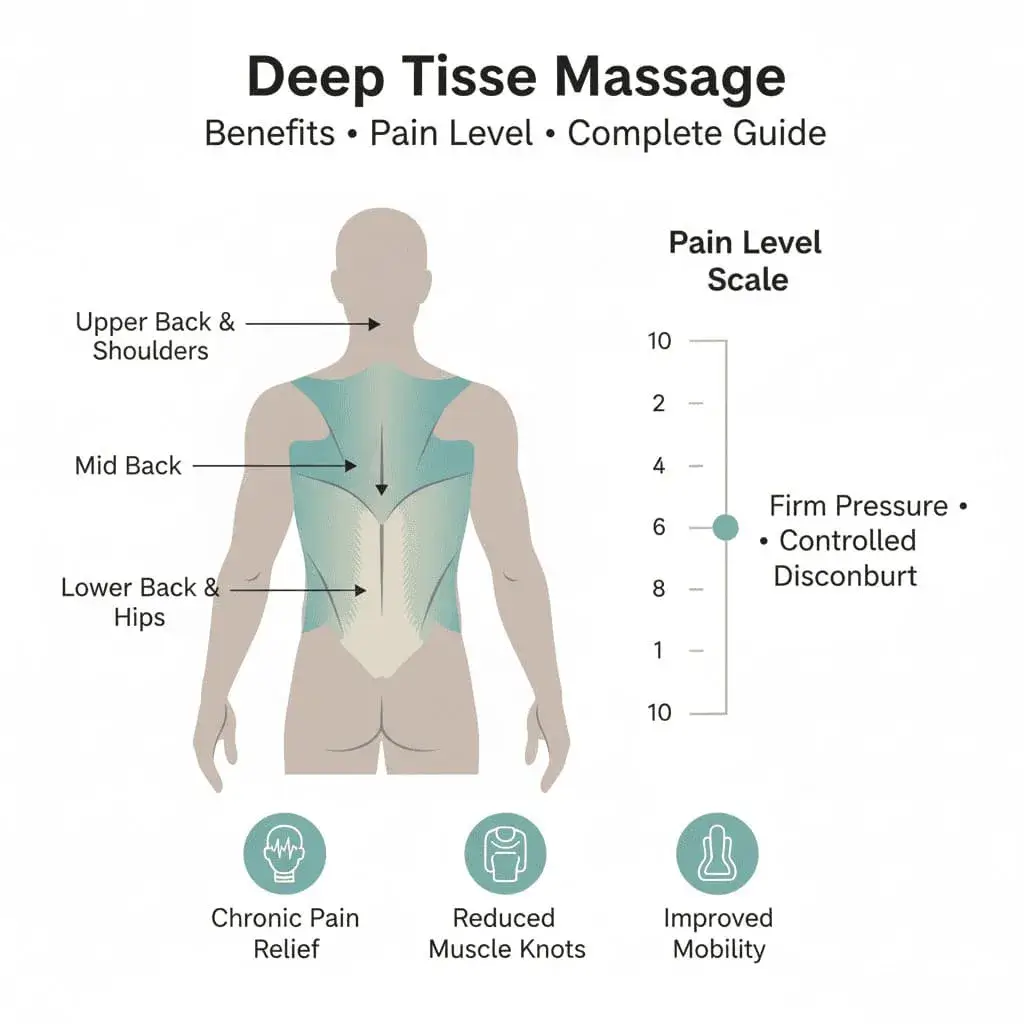
Deep Tissue Massage at Home: Benefits, Price, What to Expect
Deep tissue massage uses slow, firm pressure to release stubborn muscle tension. On our menu it is a 90-minute home session. See benefits, price and prep.
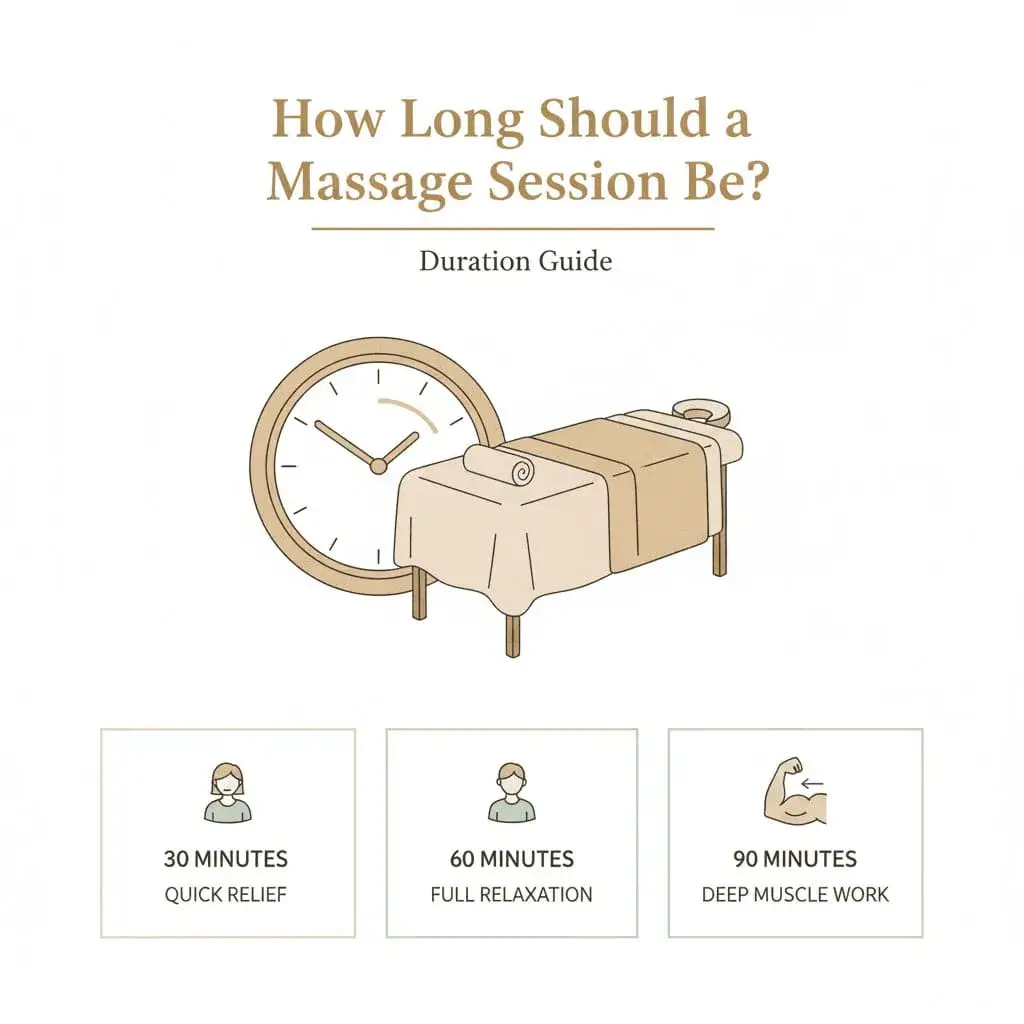
How Long Should a Full Body Massage Be? 60 vs 90 Minutes
Most people book 60 minutes, but is 90 worth the extra cost? See what each session length covers, what it costs at home in India, and how to choose.
Massage Services in Other Cities

Professional Home Massage in Bangalore
Professional home massage in Bangalore. {{therapist_count}}+ verified therapists, same-day booking across 50+ areas. Koramangala, Whitefield, HSR Layout. Book now.

Professional Home Massage in Hyderabad
Professional home massage in Hyderabad. {{therapist_count}}+ verified therapists, same-day booking, 30+ areas covered. Swedish, deep tissue & Thai massage. Book now.

Professional Home Massage in Pune
Professional home massage in Pune. {{therapist_count}}+ verified therapists offering same-day booking across 40+ areas. Koregaon Park, Baner, Hinjewadi. Book now.

Professional Home Massage in Mumbai
Professional home massage in Mumbai. {{therapist_count}}+ verified therapists, same-day booking, 40+ areas covered. Swedish, deep tissue & Thai massage. Book now.